Number
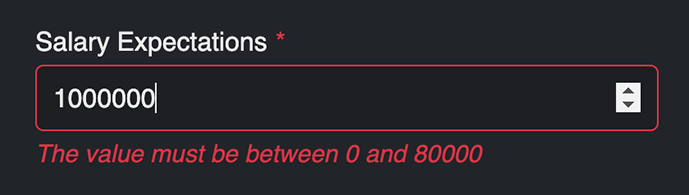
A single-line number type input field that is validated to contain certain numbers only. The field.type property value is number (for conditionals).
Settings
- Choose if validation should allow negative numbers.
- Optionally set Min/Max values.
- You can set both, just one or neither.
- Optionally set Min/Max character length.
- You can set both, just one or neither.
- Optionally set the number of decimals allowed.
- Set the
stepnumber to set default increments when a user uses the browser up/down arrows to increase/decrease the value.
Input and ValidationImproved in 5.18+
Number fields use a mobile numeric keyboard where available and keep invalid input so visitors can correct it. Decimal precision works consistently in regular, React, and Vue forms. Set the decimal count and step for the values you accept. Upgrades preserve custom step increments.
Templating
| Property | Description |
|---|---|
field.minLength | The minimum permitted length of the value. |
field.maxLength | The maximum permitted length of the value. |
field.minValue | The minimum permitted numeric value, or null when unset. |
field.maxValue | The maximum permitted numeric value, or null when unset. |
field.decimalCount | The configured number of decimal places. |
field.allowNegative | Whether negative values are permitted. |
field.step | The increment used by the number input. |