Logs
Freeform records errors and processing details in Craft's storage/logs directory. Set the Logging Level to control how much detail is recorded.
The log viewers remain accessible when Craft's allowAdminChanges setting is false.
Use Info and Debug logging while investigating an issue, then return to Errors. Detailed logs can contain sensitive submission data.
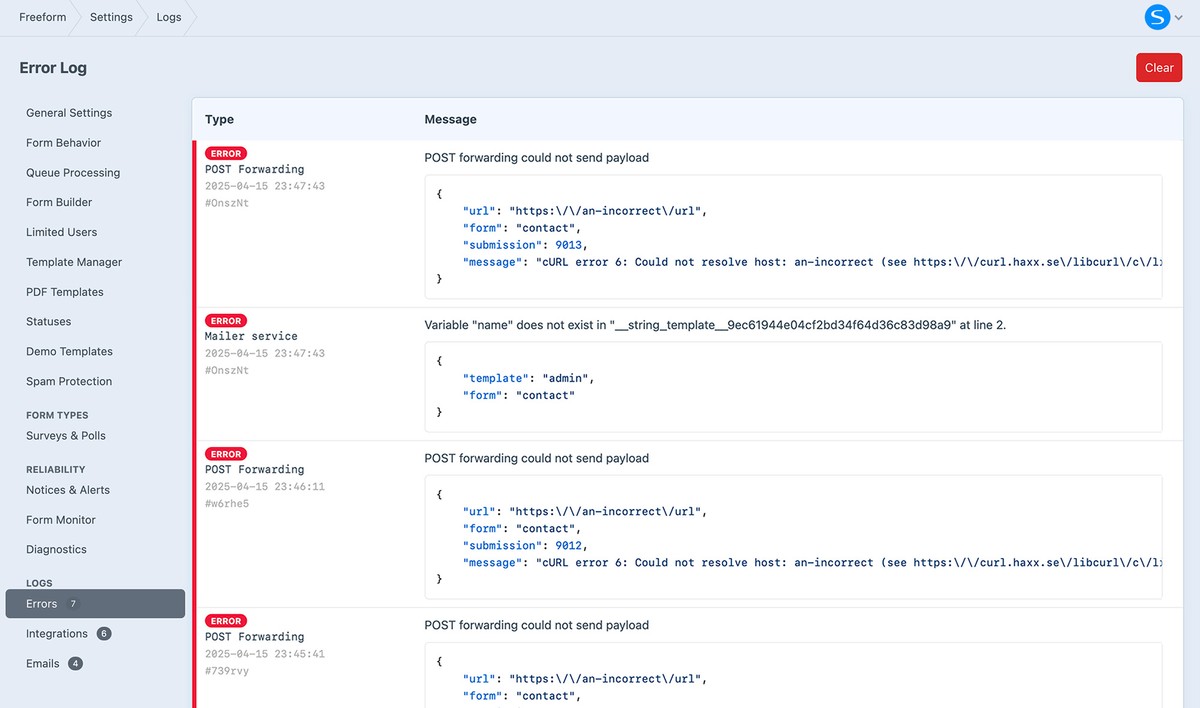
Error Log
View Freeform → Settings → Error Log to inspect failures recorded in storage/logs/freeform.log. The file may not exist until an error has been recorded.
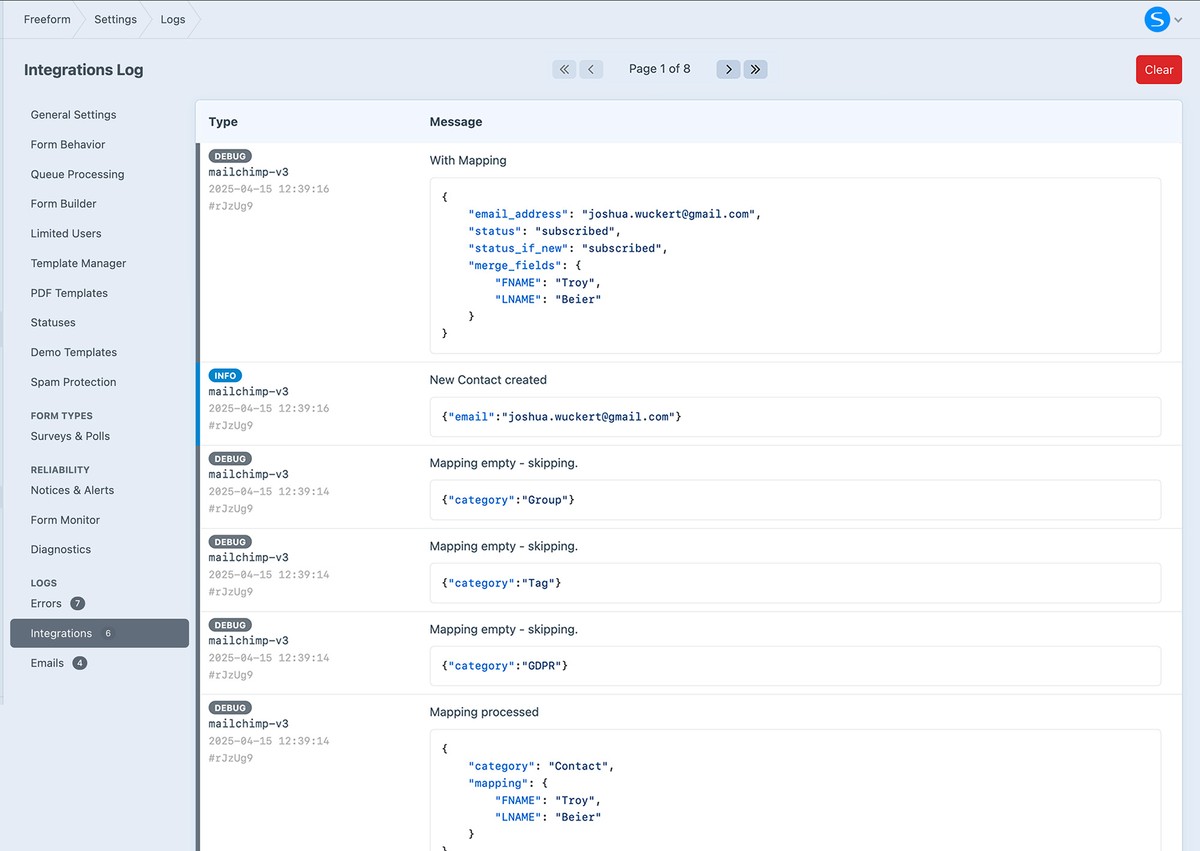
Integrations LogNew in 5.9+
When logging is set to Info or Debug, Freeform writes integration activity to storage/logs/freeform-integrations.log. Open the Integrations Log viewer in Freeform's control panel to inspect it.
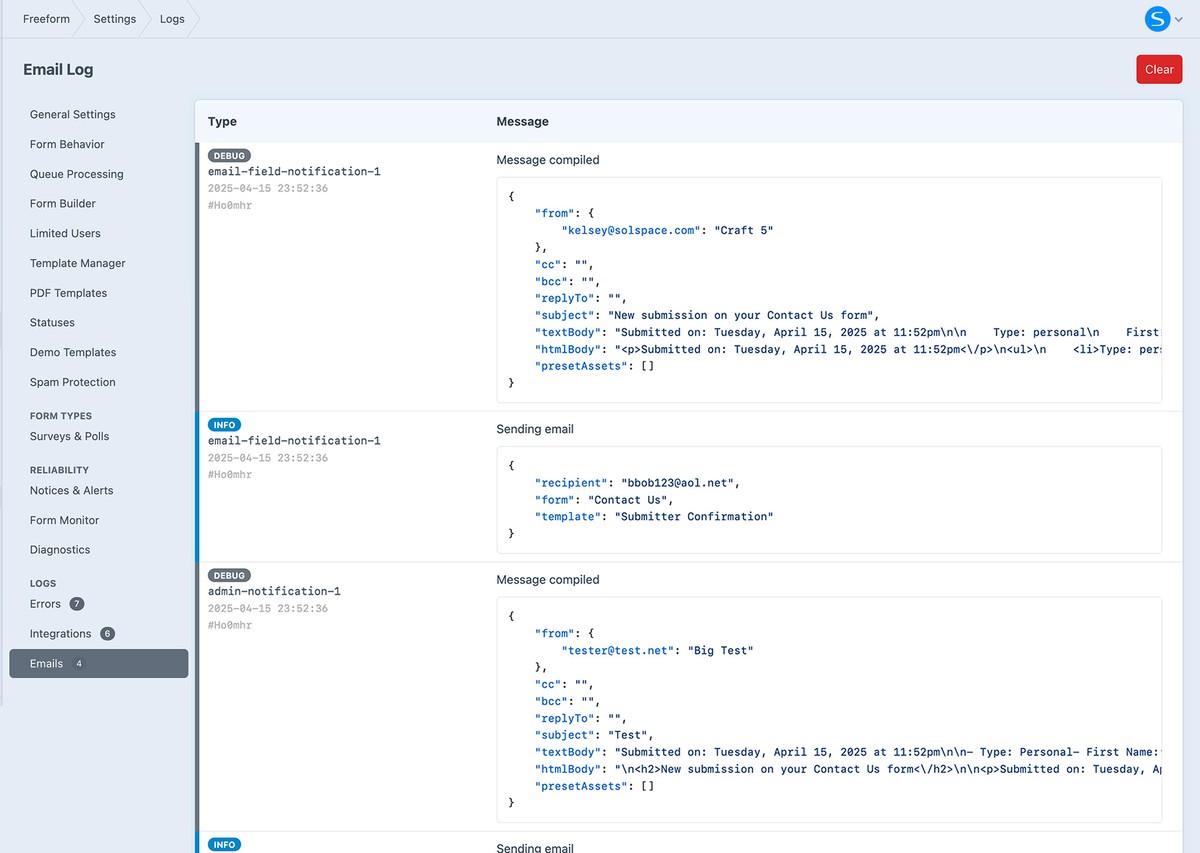
Email LogNew in 5.9.7+
When logging is set to Info or Debug, Freeform writes notification activity to storage/logs/freeform-email.log. Open Freeform → Settings → Email Log to inspect it.
For environment checks and a support report, see Diagnostics.