Prompts
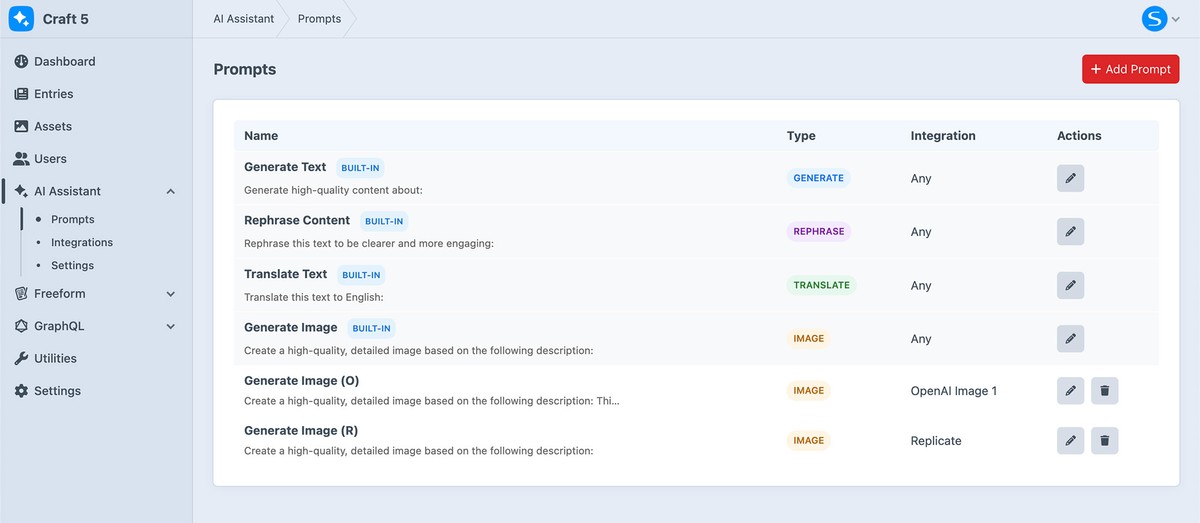
Prompts define the instructions given to the AI when generating content. AI Assistant includes built-in prompts and also allows you to create your own.
Built-in Prompts
AI Assistant includes several ready-to-use prompts for common content generation tasks. You can use these as-is or customize them to fit your needs.
Custom Prompts
Create your own prompts to control how content is generated.
1
Go to AI Assistant → Prompts and click New Prompt
2
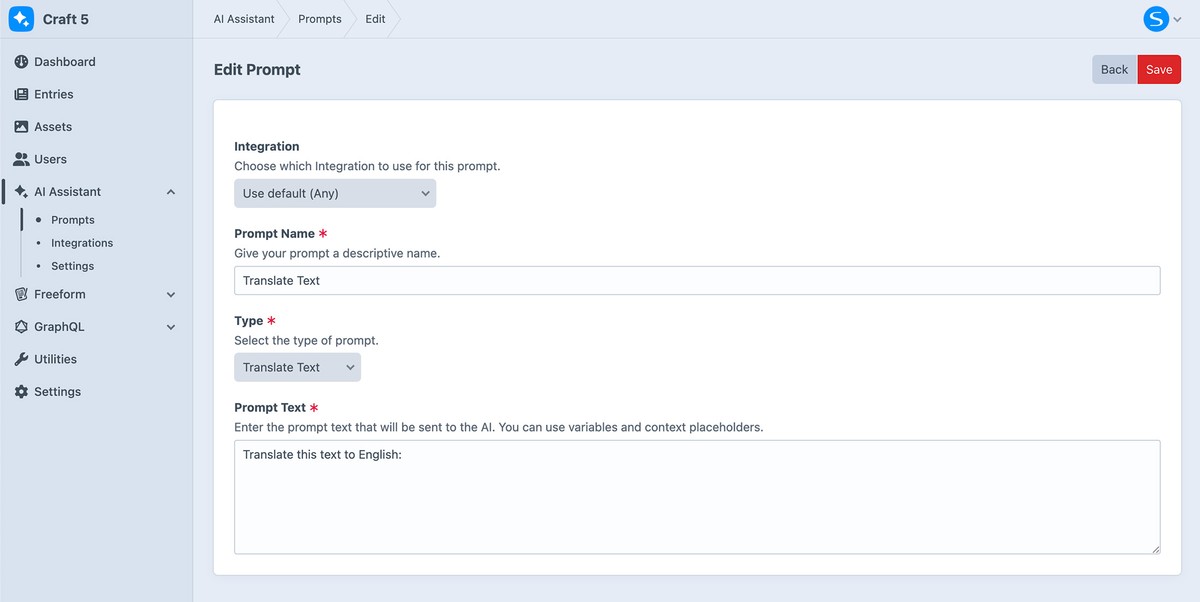
Enter a name and the prompt instructions
3
Optionally bind a prompt to a specific integration.
When a prompt is bound to a specific integration:
- That integration will be used automatically when the prompt is selected
- The prompt will only appear when that integration is enabled
4
Set a sort order value to organize your prompts.
Prompts can be ordered using the sort value to control how they appear in the list. Lower numbers appear first.
5
Click the Save button